Building a customer portal: what matters
A customer portal sounds at first like a nice extra, but it’s often the point at which a company becomes noticeably more efficient. A customer portal is the place where your customers can do for themselves what otherwise runs through calls, emails and manual handling. Built well, it lightens the support load, strengthens loyalty and turns scattered processes into one clear, secure point of access. Built badly, it becomes a data risk and a permanent building site. What really matters is therefore more than a question of design.
Key takeaways
- A customer portal is self-service: customers handle for themselves what otherwise creates support work.
- The business value lies in fewer tickets, faster handling and stronger loyalty.
- The essentials are secure login, clear roles, the right data and clean integrations.
- Security and GDPR are not an extra feature but the foundation of every portal.
What a customer portal actually is
A customer portal is a protected area where customers log in and handle their own affairs: view data, download documents, raise requests, manage orders or contracts. The core is always the same: what previously ran through you as an intermediary now runs directly and independently. It’s exactly this shift that creates the value. It replaces manual, error-prone steps with a clear, always-available point of access that saves time on both sides.
The business value
The most important effect of a portal is relief. Every piece of information a customer finds themselves is one call fewer and a ticket that never arises in the first place. That doesn’t just lower costs, it also speeds up handling, because routine matters no longer pass through your inbox. At the same time a good portal strengthens loyalty: customers who can access their data and processes at any time experience that as service and as reliability. A portal is therefore not a cost factor but a lever for efficiency and customer satisfaction at once.
The essential building blocks
However different portals look, a few building blocks are missing from no serious portal. They decide whether a portal is secure, useful and maintainable:
- Secure login: reliable authentication instead of home-grown stopgaps.
- Roles and permissions: clearly defined who may see and do what.
- The right data: exactly the information the customer really needs, no more.
- Clean integrations: connection to the systems where the data already originates.
Secure login and roles
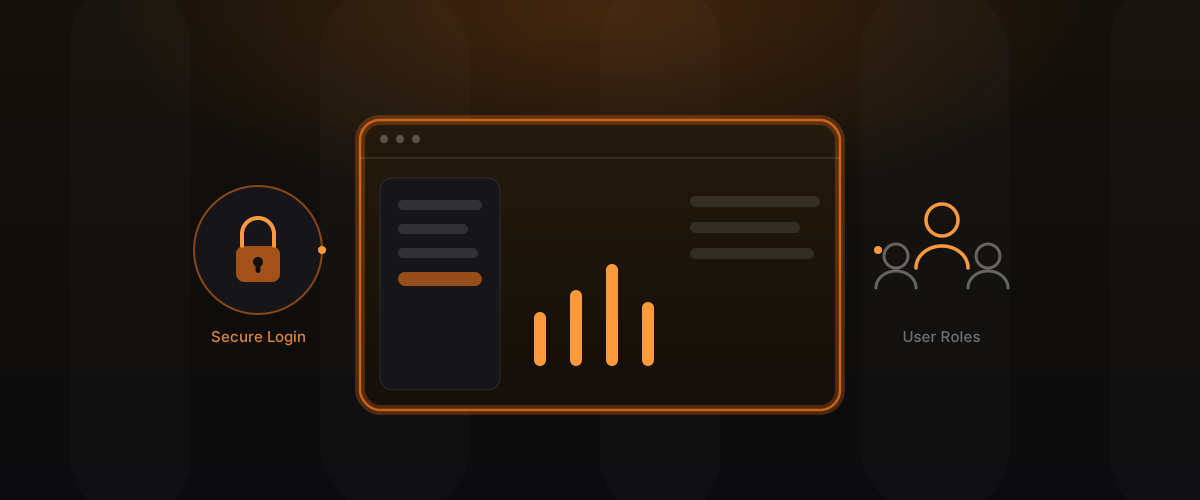
The most sensitive part of a portal is access. A secure login is the basic prerequisite, because a portal by definition manages data that not everyone may see. At least as important are roles and permissions. In most companies the customer isn’t a single person but an organisation with various parties: an administrator may do more than a basic user, accounting sees something different from purchasing. A well thought-out role system ensures everyone sees and does exactly what they should, and nothing beyond it. Without this foundation, every further feature becomes a risk.
The right data and integrations
A portal is only as valuable as the data it shows. What matters is not as much as possible but the right thing: exactly the information the customer actually needs, current and correct. For that to work, the portal has to be connected to the systems where the data already originates, such as inventory management, CRM or accounting. These integrations are often the real effort of a portal, because they decide its currency and reliability. More on this in APIs and integrations.
Build it or use a portal module
Many tools, such as CRM or shop systems, come with a simple portal module. That’s tempting because it’s quickly available, but it soon hits limits as soon as your requirements go beyond the standard. The decision follows a clear logic:
- Use a portal module when the need is simple and close to the tool’s standard.
- Build your own when the portal has to reflect your own processes, your own data and real integrations.
Your own portal costs more at first but belongs to you entirely and grows with your requirements, rather than binding you to the limits of someone else’s standard.
Build or module: the trade-off
| Criterion | Tool’s portal module | Your own portal |
|---|---|---|
| Availability | immediate | after development |
| Customisability | limited | full |
| Integrations | usually only to the tool itself | freely chosen |
| Data ownership | with the provider | with you |
| Growth | up to the standard limit | with your requirements |
The table shows the real question behind the decision: how far do your requirements reach beyond what a ready-made module offers, and how important to you is ownership of your data and processes?
Security and GDPR as the foundation
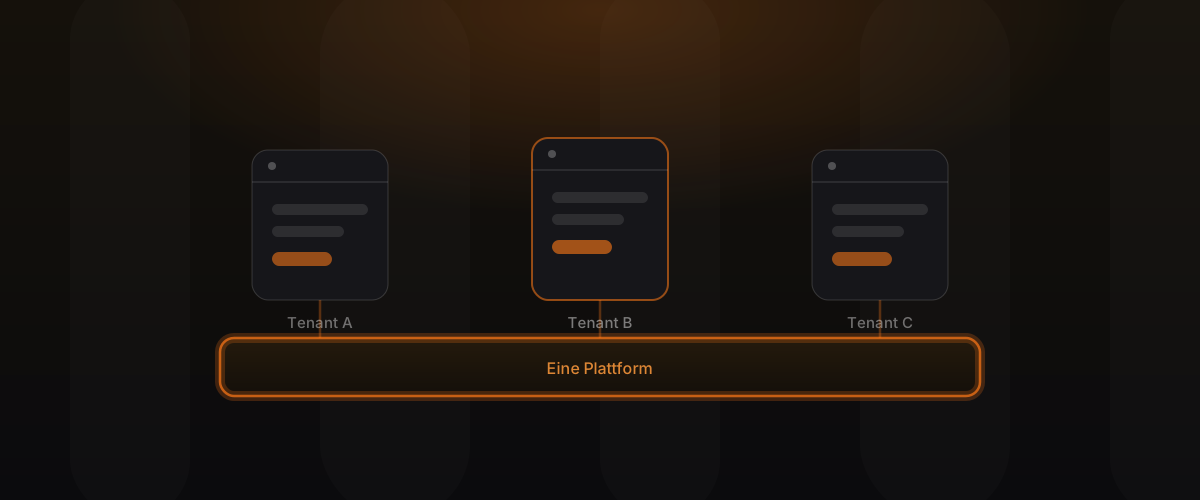
A portal manages personal and often sensitive data. Security and data protection are therefore not an extra feature but the foundation. In practice that means: a well thought-out permission system so nobody sees other people’s data, encrypted transmission, traceable handling of access, and the ability to meet GDPR obligations for disclosure and deletion. Anyone trying to add these afterwards is building on sand. They belong in the structure from the start, especially when multiple customers run on one platform, as described in Multi-tenant from day one.
When a portal becomes a web app
The line between portal and web app is fluid. A portal often starts simply: log in, view data, raise a request. But the more your customers actively work within it, create their own processes, carry out complex workflows, collaborate with others, the more the portal becomes a full web application. This transition isn’t a break but a growth. What matters is that the foundation holds from the start, so the portal can grow rather than hit its limits. That’s exactly where our web-app engineering comes in.
Common portal mistakes
- Retrofitting security: permissions and data protection belong in the foundation, not on top.
- Showing too much data: overwhelms customers and enlarges the risk.
- Underestimating integrations: without current data the portal stays an empty shell.
- Ignoring roles: a single user type rarely matches the reality of customers.
- Overlooking module limits: a ready-made portal module only carries you to the standard.
Frequently asked questions
What does a customer portal deliver in concrete terms? Above all relief: fewer calls and tickets, faster handling and more satisfied customers, because they can manage their affairs themselves at any time.
Should I use the portal module of my existing tool? If your need is simple and close to the standard, that can be enough. As soon as your own processes, own data or real integrations are required, your own portal pays off.
How secure is a customer portal? As secure as it’s built. With a solid login, a well thought-out role system and clean data protection from the start, a portal is very secure. Added afterwards, it becomes a risk.
What about GDPR? A portal must be able to meet disclosure and deletion obligations and ensure that nobody sees other people’s data. That’s part of the structure, not a later addition.
How does the portal connect to my existing systems? Through integrations. Ideally the portal shows the data that already originates in your systems and writes inputs back to them, instead of building a separate world of data.
When does a portal become a web app? As soon as your customers no longer just look things up but actively work and carry out complex workflows. With a solid foundation, this transition is a growth, not a rebuild.
Conclusion
A good customer portal is far more than a login screen. It lightens the support load, strengthens loyalty and replaces manual processes with one clear, secure point of access. What matters is a secure login, well thought-out roles, the right data, clean integrations and a foundation that grows with you when the portal turns into a web app. Build cleanly here from the start, and you gain a tool that lasts for years.
Learn more on web-app engineering. Related posts: SaaS Engineering and APIs and integrations.