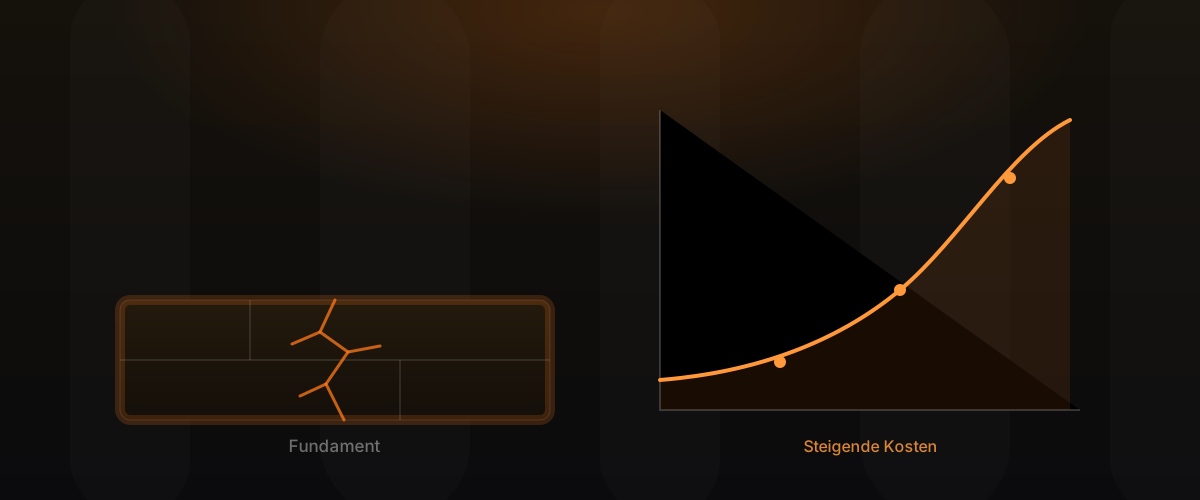
Monitoring that only alerts on real problems
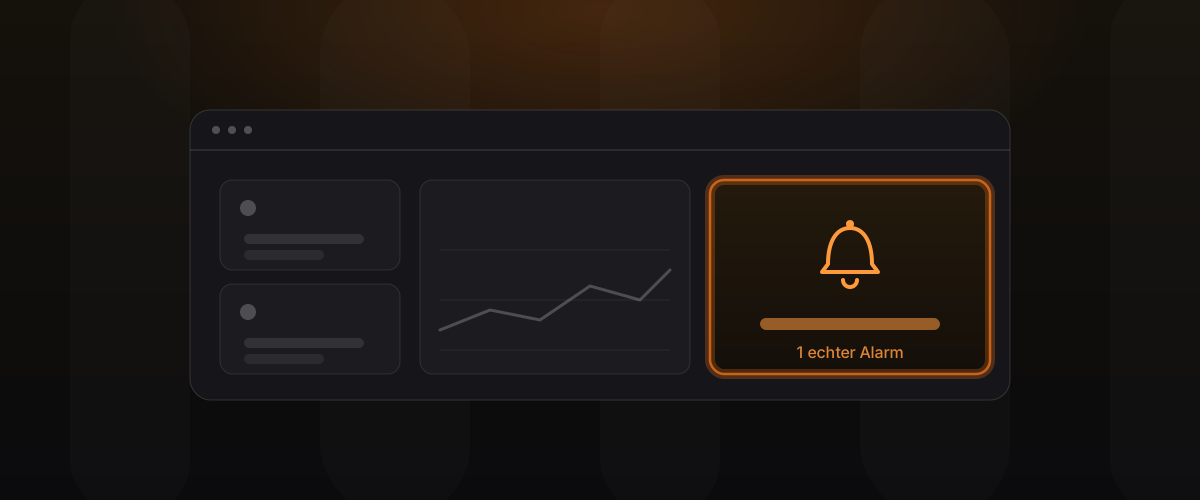
There are two kinds of bad monitoring, and both end the same way. One sounds the alarm constantly until nobody looks any more. The other is so quiet that the first sign of an outage is a call from an annoyed customer. Good monitoring sits in between: it speaks up only when there is really something to do. This article shows what you should actually monitor and how to avoid the trap of constant, pointless alerts.
Key takeaways
- Bad monitoring is either too noisy or too quiet; both lead to alerts being ignored.
- Monitor what users feel, not every technical metric you can possibly measure.
- Alert fatigue is the biggest danger: every needless alert lowers the value of all the real ones.
- Logs, metrics and traces answer different questions and belong together.
Why most monitoring fails
The most common mistake is not too little monitoring, but the wrong kind. Many systems watch everything that can be measured technically and fire an alert at every small fluctuation. That feels thorough but is the opposite of helpful. If three alerts arrive every night and none of them requires real action, the team learns to ignore them.
The other extreme is a system that only checks whether the server responds at all. As long as some sign of life comes back, everything counts as fine, even when the actual function has long stopped working. Both versions share the same problem: they don’t measure what matters.
What you should actually monitor
The most useful rule of thumb is: monitor what the user feels. A proven orientation is four signals that together give an honest picture. Latency answers how long requests take. Traffic shows how much is going on right now. Errors capture how often something goes wrong. Saturation reveals how close the system is working to its limit.
These four are a good start, but they don’t suffice on their own. Just as important are checks at the business level: can customers actually order? Do payments go through? Are confirmations sent? A server can run flawlessly in technical terms while the actual business process stands still. Only the combination of technical signals and business checks tells you whether it really works.
Alert fatigue and how to avoid it
The biggest risk of a monitoring system is not that it misses something, but that it calls too often. Every alert that requires no action lowers the value of all the others. After enough false alarms, nobody reacts immediately any more, not even in a real emergency. This alert fatigue is the most common reason why well-intended monitoring fails when it counts.
The way out is discipline about what triggers an alert in the first place. A good rule: an alert may only reach a person’s phone when a human must act immediately. Everything else belongs in a calmer place you check during the working day, not at three in the morning. Better few, genuinely meaningful alerts than a constant noise you click away.
Thresholds that match the business
A metric on its own says little; what matters is the threshold at which it becomes a problem. That threshold comes not from technology, but from the business. For a shop, a slow checkout page is serious, a slow help page less so. Good alerts reflect this weighting instead of treating every area the same.
Just as important is telling short, harmless spikes apart from real trends. A single blip is rarely an emergency; an error rate rising over minutes is. Alerts that account for this dimension of time fire less often without reason and are therefore more credible.
Logs, metrics and traces explained simply
Three tools keep coming up in connection with monitoring, and they answer different questions. It is worth knowing the difference without diving into the technology.
| Tool | Answers the question | Everyday comparison |
|---|---|---|
| Metrics | How is the system doing right now? | The gauges in a car’s cockpit |
| Logs | What exactly happened? | The logbook with individual entries |
| Traces | Where in the flow does it stick? | The tracking of a parcel |
Metrics are condensed numbers over time, ideal for spotting trends and thresholds. Logs are the individual events with detail, ideal for reconstructing what happened in a specific case. Traces follow a single request across multiple services, ideal for finding the bottleneck in distributed systems. Only together do they give a complete picture.
Runbooks: when the alert fires, the plan must be ready
An alert is only as useful as the response it triggers. If the alerted person first has to work out what to do, valuable time passes. That is why good monitoring always includes the matching runbook: a clear step-by-step guide for the scenario at hand.
In the best case, the alert itself points to the relevant runbook. That way even someone who doesn’t know the system in detail knows immediately how to assess and contain the situation. The response then no longer depends on one person’s knowledge, which is closely tied to reliable software operations.
The link to uptime and trust
Monitoring is not an end in itself but serves a goal: notice and fix problems before users feel them. This is exactly where the business value arises. An application that is reliably reachable builds trust. One that keeps failing unnoticed loses it, and lost trust is far more expensive than any monitoring system.
Above all, good monitoring shortens the time between “something goes wrong” and “someone is dealing with it”. That span decides whether an incident stays a short footnote or grows into a visible outage with real damage.
Monitoring begins during development
Meaningful monitoring can’t be draped over a finished application afterwards. Software that writes understandable logs from the start and can report its own state is a different calibre in operation than one you laboriously peer into from the outside later. Those who consider monitoring only at the end pay for it with blind spots when it counts.
That is why the question of how an application can be observed in operation belongs in the very first design decisions. It costs little at the start and saves long guesswork later, on exactly the evening when it matters. An application that clearly exposes its own state can be watched with a few well-aimed alerts instead of a dense net of workarounds.
Keeping monitoring a living system
Monitoring is never set up and done. Systems change, new features arrive, old ones fall away, and with them the places where things can stick. An alert that made sense a year ago may be nothing but noise today. That is why monitoring includes a regular, honest review: which alerts have actually helped lately, and which were only clicked away?
The look back after an incident is especially revealing. Did monitoring fire early enough? Was a signal missing that could have made the fault visible? Those who take one small adjustment from each incident build, over time, a monitoring system that grows with the business instead of slowly drifting past it.
Proven tools over the latest fashion
The same applies to monitoring tools as elsewhere in infrastructure: proven beats new. A monitoring system itself must be extremely reliable, because it is meant to work precisely when other things fail. Mature, well-understood tools are worth more here than the latest solution with an impressive feature list. More important than the tool anyway is that the right things are monitored and the alerts are set sensibly.
Frequently asked questions
We get alerts constantly, but nothing is ever broken. What now? That is classic alert fatigue. The first step is to review every alert: does it require immediate action? If not, it doesn’t belong on the phone. That way the remaining alerts regain their weight.
Isn’t it enough to just check whether the server is running? No. A server can respond while the actual function stands still. More useful are checks that reproduce what a user really does, such as placing an order or signing in.
Do we need logs, metrics and traces, all three? Not every project needs everything. Metrics and logs are almost always sensible. Traces are worth it mainly for distributed systems with multiple services. The effort follows the complexity.
What is a runbook, in short? A concise guide on what to do for a particular alert. It ensures there is no need to improvise in an emergency and that the knowledge doesn’t depend on a single person.
Can you set up monitoring for an existing application? Yes. We review what is already monitored, close the gaps and at the same time reduce the pointless alerts, so that fewer but more meaningful messages arrive in the end.
How much monitoring does a small project need? Less than you might think, but not none. Even a handful of well-chosen checks on availability and the most important business processes prevents most nasty surprises.
Conclusion
Good monitoring is not measured by the number of alerts, but by the fact that every alert counts. Monitor what users feel, complement technical signals with business checks, keep the alerts deliberately lean and attach a clear runbook to each one. That creates a system which stays quiet until it really has something to say, and is then reliable exactly when it matters.
Learn more on Infrastructure. Related posts: Keeping software running reliably and Software Engineering.