Optimising images for fast websites
When a website loads slowly, in the vast majority of cases it isn’t the server and it isn’t the code, it’s the images. They are by far the biggest item in the data volume of a typical page, and this is exactly where it’s decided whether your visitors stay or bounce. Image optimisation is therefore not a nice-to-have detail but one of the biggest and cheapest levers for speed, ranking and conversion. This article explains, from a decision-maker’s point of view, why that is and what can sensibly be automated.
Key takeaways
- Images are usually the largest part of the data loaded and therefore the main cause of slow pages.
- Modern formats like WebP and AVIF often save most of the file size at the same quality.
- Responsive images, lazy loading and a CDN ensure every visitor loads only what’s needed.
- Optimised images improve the LCP value directly and so affect Core Web Vitals and conversion.
Why images are the most common cause of slow pages
A modern company website today consists largely of images: hero visuals, product photos, team shots, references. While text and code usually weigh only a few kilobytes, unprocessed photos quickly tip the scales at several megabytes. A single image uploaded straight from the camera can weigh as much as the entire rest of the page combined.
The problem gets worse because many sites deliver the same full-resolution images to everyone, whether someone is browsing on a large monitor or on a smartphone. The browser has to load this data before it can show the image, and it’s precisely this moment that delays the visible page build.
The direct line to Core Web Vitals and LCP
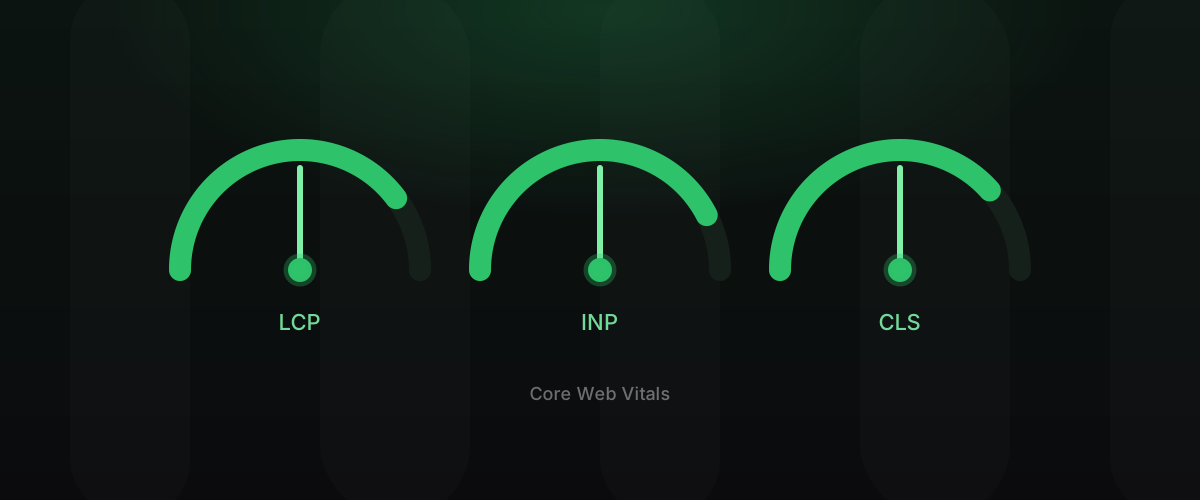
Google measures the user experience via the Core Web Vitals. The most important value where images are concerned is LCP (Largest Contentful Paint): the time until the largest visible element has loaded. On most pages, that element is an image, often the hero visual near the top.
In other words, your LCP value depends directly on how fast your most important image loads. Optimising here doesn’t improve an abstract score, it improves the moment the page actually feels usable to the visitor. You can read more about the metrics in our article on /en/blog/improve-core-web-vitals/.
Modern formats: WebP and AVIF
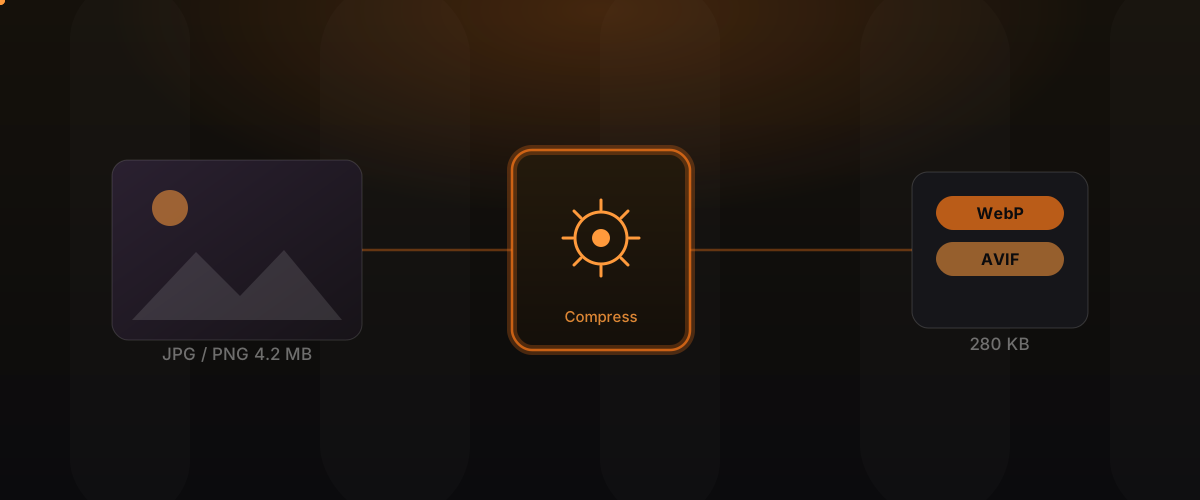
The biggest savings potential lies in the file format. Classic JPGs and PNGs are technically showing their age. Modern formats compress far more efficiently at the same or better image quality:
- WebP is available practically everywhere today and a reliable standard for web images.
- AVIF goes a step further and achieves the smallest files for many subjects.
The decisive point: these savings usually cost you no visible quality. To the human eye, a well compressed WebP image looks identical but weighs a fraction. We deliver the most modern format the respective browser understands and keep a classic format ready as a fallback.
Responsive images: everyone gets the right size
A smartphone doesn’t need an image at the resolution of a large desktop monitor. With responsive images,
technically via srcset and sizes, we store several sizes of the same visual. The browser then
automatically picks the right variant for the device and screen width.
The result: mobile visitors load a small, light image, desktop visitors load the high-resolution version. Nobody loads more data than necessary. Precisely because most traffic is mobile and often on slower connections, this is one of the most effective steps of all.
Lazy loading: load only when it’s needed
Not every image on a page is visible immediately. Content further down is only seen when scrolling, some not at all. Lazy loading ensures such images are only loaded once they move into the visible area.
That way the browser focuses its effort first on what the visitor sees right away, and the first impression forms faster. The balance matters here: the hero image in the visible area should precisely not be loaded lazily, or the LCP suffers. Making that distinction cleanly is part of a good implementation.
Sizing and compressing correctly
Even the best format helps little if an image is embedded larger than necessary. A visual displayed only 600 pixels wide on the page should not be delivered at 4000 pixels wide. Two levers are decisive here:
- Sizing: the image is brought to the dimensions actually needed, no larger.
- Compression: a sensible quality level removes data ballast nobody sees but keeps the visible sharpness.
An often overlooked point: when height and width are set in the code, the browser can reserve the space for the image before it has loaded. That prevents a jittery shift of the layout and improves the CLS value, another of the Core Web Vitals.
Delivery via a CDN
Where images sit is just as important as how big they are. A CDN (content delivery network) stores your images at many locations worldwide and delivers them from the nearest one. The distance the data travels gets shorter, and the image arrives faster.
Modern CDNs can additionally adjust images on the fly: format, size and compression are delivered to match the requesting device, without you having to create every variant manually. That combines speed with low maintenance effort.
Image optimisation compared
| Criterion | Unprocessed images | Optimised images |
|---|---|---|
| File size | several megabytes per image | often a fraction of that |
| Format | classic (JPG/PNG) | modern (WebP/AVIF) with fallback |
| Delivery | one size for everyone | right size per device |
| Loading behaviour | everything at once | lazy loading, what’s needed first |
| LCP / Core Web Vitals | often in the red | noticeably improved |
| Maintenance effort | manual and error-prone | largely automated |
What can be automated
The decisive advantage for you: image optimisation needn’t be a manual marathon. Much of it can be set up cleanly once and then runs on its own. At build time or in the CDN, images are automatically converted into modern formats, generated in several sizes and compressed. Your team simply uploads a photo, the rest happens in the background.
That keeps maintenance as simple as ever while the site stays technically optimal. This is exactly the approach we take with static websites, as described in the article on /en/blog/hugo-website-performance/. Setting up this pipeline is part of our work under /en/services/performance-seo/.
What fast images mean for your business
Image optimisation isn’t a technical detail but a direct business factor. A page that’s there instantly feels professional and builds trust before the first word is read. Faster images mean fewer drop-offs, more content seen and more enquiries, especially on mobile devices and slower connections.
On top of that, fast, well-structured pages improve the quality score in paid advertising, so you tend to pay less per click. The investment in optimised images therefore pays in several ways at once, on ranking, conversion and advertising cost.
Frequently asked questions
Will my images lose quality through optimisation? Usually not visibly. Modern formats and sensible compression remove only data the eye doesn’t perceive anyway. The images weigh less but look practically identical.
Should I use WebP or AVIF? Best of all, both in combination: AVIF where it delivers the smallest files, WebP as a widely supported standard and a classic format as a fallback. The right variant is delivered automatically per browser.
Do I have to create a separate image for every screen size? No. The various sizes are generated automatically, and the browser picks the right one. You upload only one image.
Do I really need a CDN for this? A CDN isn’t mandatory but a big advantage, especially with international reach and many images. It shortens the distances and can adjust images automatically.
How much faster will my site really get? That depends on the starting point. If images have so far been delivered unprocessed, the effect on loading time and LCP is often very clear and verifiable in tools like PageSpeed Insights.
Can image optimisation be added retroactively? Yes. We analyse the existing images, set up the optimisation and replace heavy files without you having to re-edit your content.
Conclusion
Images are the most common cause of slow websites and at the same time the area with the best ratio of effort to impact. Modern formats, responsive delivery, lazy loading, correct sizing and a CDN turn heavy pages into fast ones, without quality visibly suffering. Once cleanly automated, maintenance stays simple and the site stays fast for good.
Learn more under Performance & SEO and Web Engineering. On the technical foundation: Why a Hugo website loads faster and ranks better.